
As global regulations change, your organization must have the skills and know-how to achieve sustained competitive advantage. EHA Soft professional services team can help. We offer practical experience and knowledge to help accelerate you reduce risk and ensure product and employee safety.
National Software Campus, Mahon, Blackrock, Cork, Ireland T12 XY2N
Please use your dedicated username and password to login. Check the instructions below.
Please download and read the help guide on onboarding contractor employees and assigning LMS access
Manual Handling is Mandatory for Training
Please click LOGIN to login with your username and password to register details about your company and employees.
YOUR COMPANY CONTRACTOR PORTAL
COMPANY DETAILS
Step 1: Please register your company to use the Your Company Contractor Portal by contacting contractors@ehasoft.com
Step 2: Complete the basic company details section. Which includes the contractor company contact person’s name, the company name and address, as well as information about any incidents and legal claims etc. Demo
Step 3: Upload a copy of your safety statement. Not more than 12 months since last sign off by senior management. Demo
Step 4: Upload a copy the current Certificate of Liability Insurance policies.
Insurance Policy (at a minimum) must show coverage for: Demo
Step 5: Upload relevant equipment certificate. Demo
Step 6: Upload relevant safety data sheets. Demo
Step 7: Upload Risk Assessment and Method Statements (RAMS) in the RAMS section. Demo
EMPLOYEE DETAILS
Step 1: All employees entering on site must have an employee profile create on the Portal.
Step 2: Upload relevant employee information (email address, employee type etc)
Step 3: Upload relevant training records for each employee. For Example, Demo
Step 4: Upload relevant employee license info (e.g., Dangerous goods driving license ADR). Demo
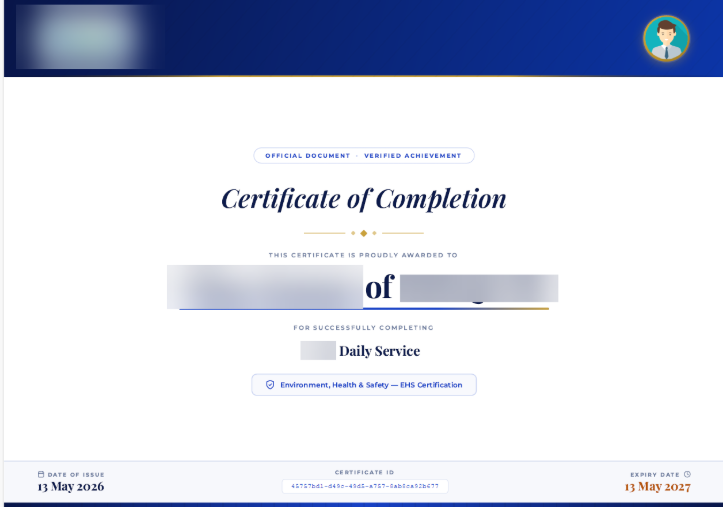
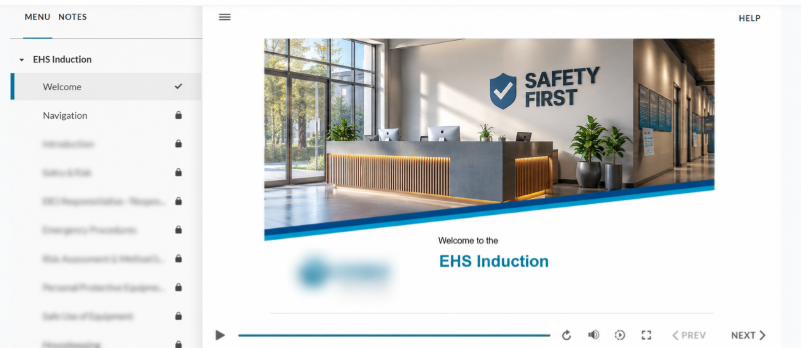
Please click INDUCTION to start your Induction Process. Please ensure your induction certificate is uploaded onto the contractor portal.
Instruction
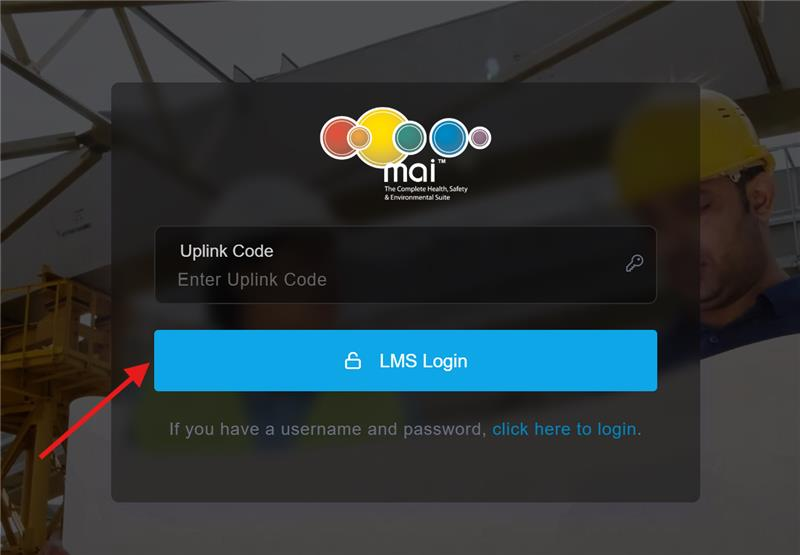
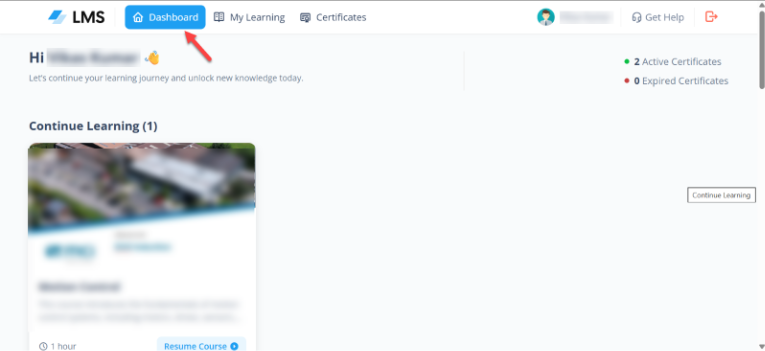
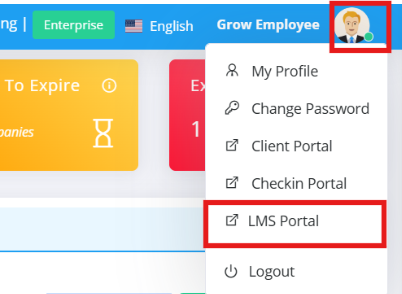
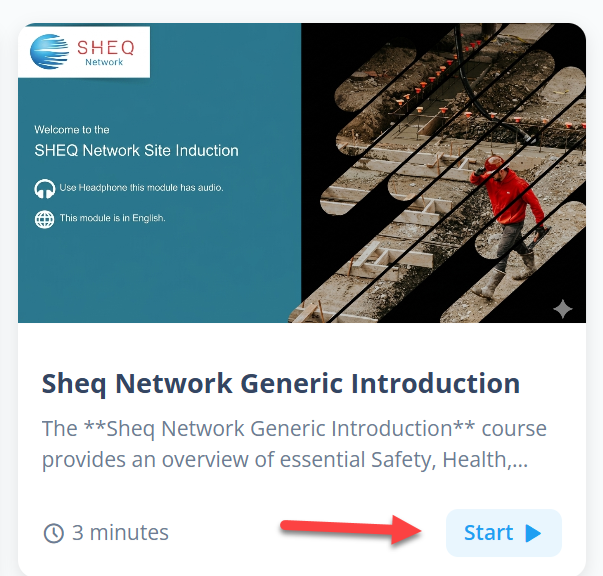
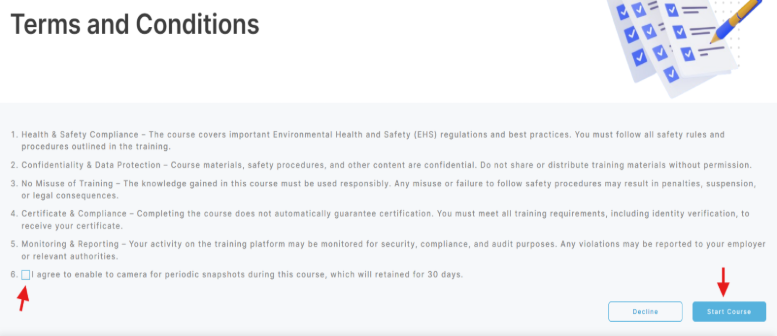
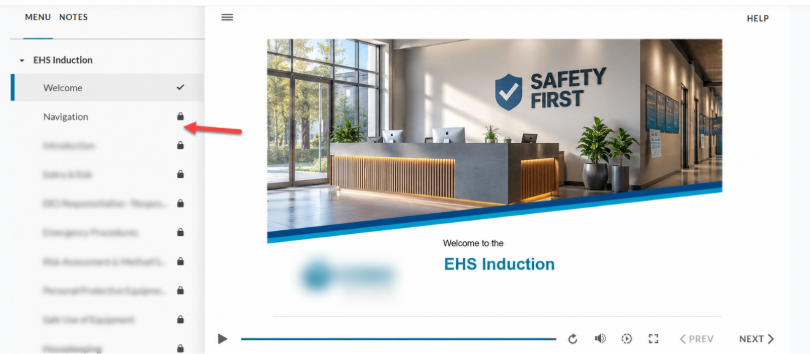
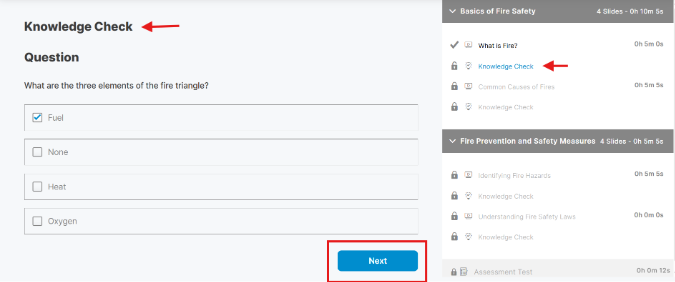
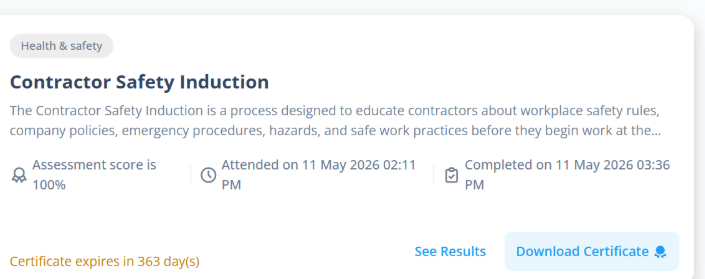
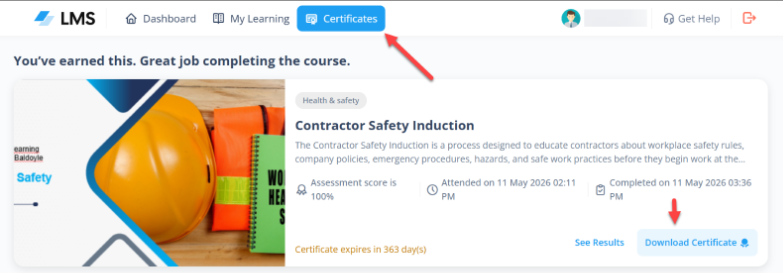
This help guide provides step-by-step instructions for accessing, navigating, and completing courses in the Learning Management System (LMS). Follow these steps to ensure a smooth learning experience.There are two ways to log in to the LMS:
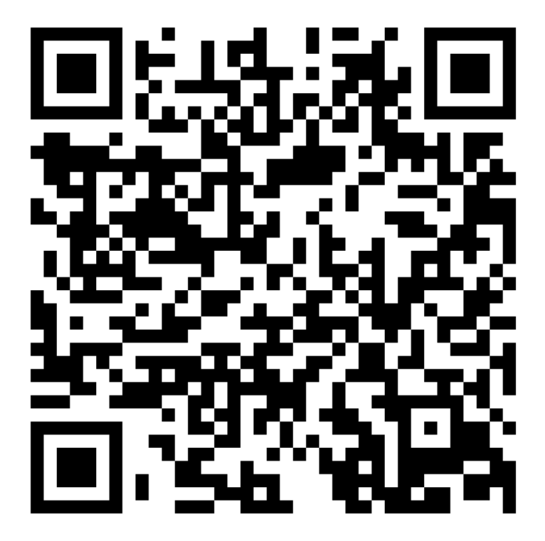
Method 1: Through the mai™ contractor Portal
Method 2: Direct Login